

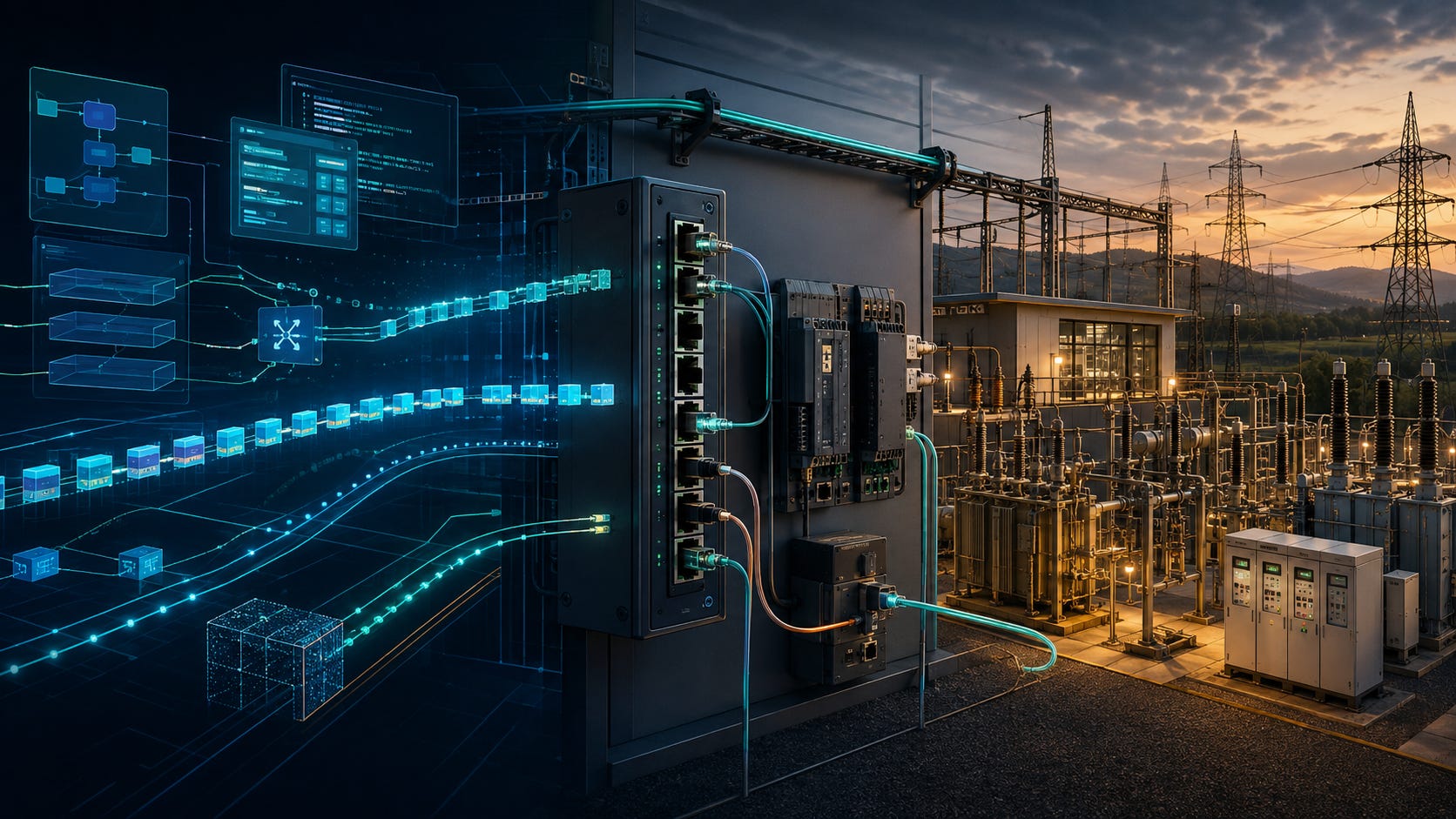
I have worked with networked software for years, but for most of that time the network was something I used rather than something I really understood. I could open a socket, call an API, connect to an IP address, and continue with the part of the system I was responsible for.
When I started working closer to the power grid, this became uncomfortable. Network details were no longer hidden somewhere below the application. Ethernet frames, multicast, VLANs, gateways, industrial protocols, and utility networks appeared directly in requirements and discussions.
The difficult part was not learning what each term meant. I could read a definition of ARP or a description of a routing table. The problem was seeing how all these mechanisms formed one system, and then seeing how that system was used by substations, protection devices, control centers, and remote engineering tools.
This series is my attempt to build that connected picture. I want to begin with ordinary network machinery, reconstruct enough of it in Linux to make it tangible, and in next series follow it into the power grid.
My goal is to create a solid deep understanding of the network that could be used as a foundation to further grid related topics.
Networking machinery for software engineers
In this series I want to fill the gaps in my own networking foundation. We start with the smallest useful network: two machines, a physical link, and a switch. From there we can see how Ethernet frames move, how hosts learn MAC addresses, and why ARP exists.
The first part begins at Layer 1, or L1. Copper and fiber carry electrical or optical signals, while Ethernet gives those signals a frame structure and an addressing model at Layer 2. I do not plan to turn this into an electronics course, but the physical layer matters because every packet eventually depends on a real medium, a negotiated link, and hardware that can fail.
Next, we break the local-network assumption by placing the destination somewhere else. This introduces gateways and routing for a concrete reason.
Only after those ideas are visible from the outside do we open a Linux host and find the interfaces, neighbor table, routes, techniques and objects that implements them.
Linux comes last for a reason. Once the external network is clear, a single computer can reproduce it. Namespaces become hosts, veth pairs become links, a bridge becomes a switch, and a forwarding namespace becomes a router. That gives us a laboratory for the rest of the series.
Part 1: How Local Networks Work
Layer 1, Ethernet, MAC addresses, switches, and ARP
We will connect two hosts on one local network and follow a message from the physical link upward. The main question is deceptively simple: what has to happen before one machine can send an Ethernet frame to another?

Part 2: How Packets Travel Between Networks
IP addresses, subnet masks, gateways, routing tables, and routers
The destination now moves outside the local network. We will follow the packet through the host’s routing decision, the default gateway, and the router that connects the two sides.

Part 3: Inside the Linux Networking Stack
Understanding how Linux receives and processes network traffic
In this post we will discuss the Linux networking stack by following one machine as its networking state evolves. We will see how Kernel implement all machinery that we discussed in the previous articles.

Part 4: Rebuilding a Network Inside One Linux Machine
Namespaces, veth, bridges, routing and packet inspection
Namespaces become hosts, veth pairs become links, a bridge becomes a switch, and a forwarding namespace becomes a router.
The objective is to reproduce the concepts from the previous articles inside one machine and create a laboratory where we can inspect every interface, route, neighbour entry and packet.

What this series should make possible
My target is fairly modest: I want the network below an application to become something I can inspect and reason about.
When I see an unfamiliar architecture, I want to identify the local-network boundaries, understand why a packet follows a particular gateway, recognise where multicast is being used, and know which Linux tools can confirm my assumptions.
That level of understanding will not make me a protection engineer or a utility network architect. It should, however, make the conversations with those specialists much more useful and make network-related failures less mysterious.
Follow the series
I will use this page as the index for the whole project. As each article is published, I will replace its status with a direct link and update the plan if the investigation takes a different direction.
I am learning this subject in public. If you work with industrial networks, IEC 61850, utility communications, or Linux networking and notice that I have missed something, I would be glad to hear from you.